File : Element priority.jpg
Size of this preview: 800 × 490 pixels. Other resolution: 1,577 × 966 pixels.
Original file (1,577 × 966 pixels, file size: 637 KB, MIME type: image/jpeg)
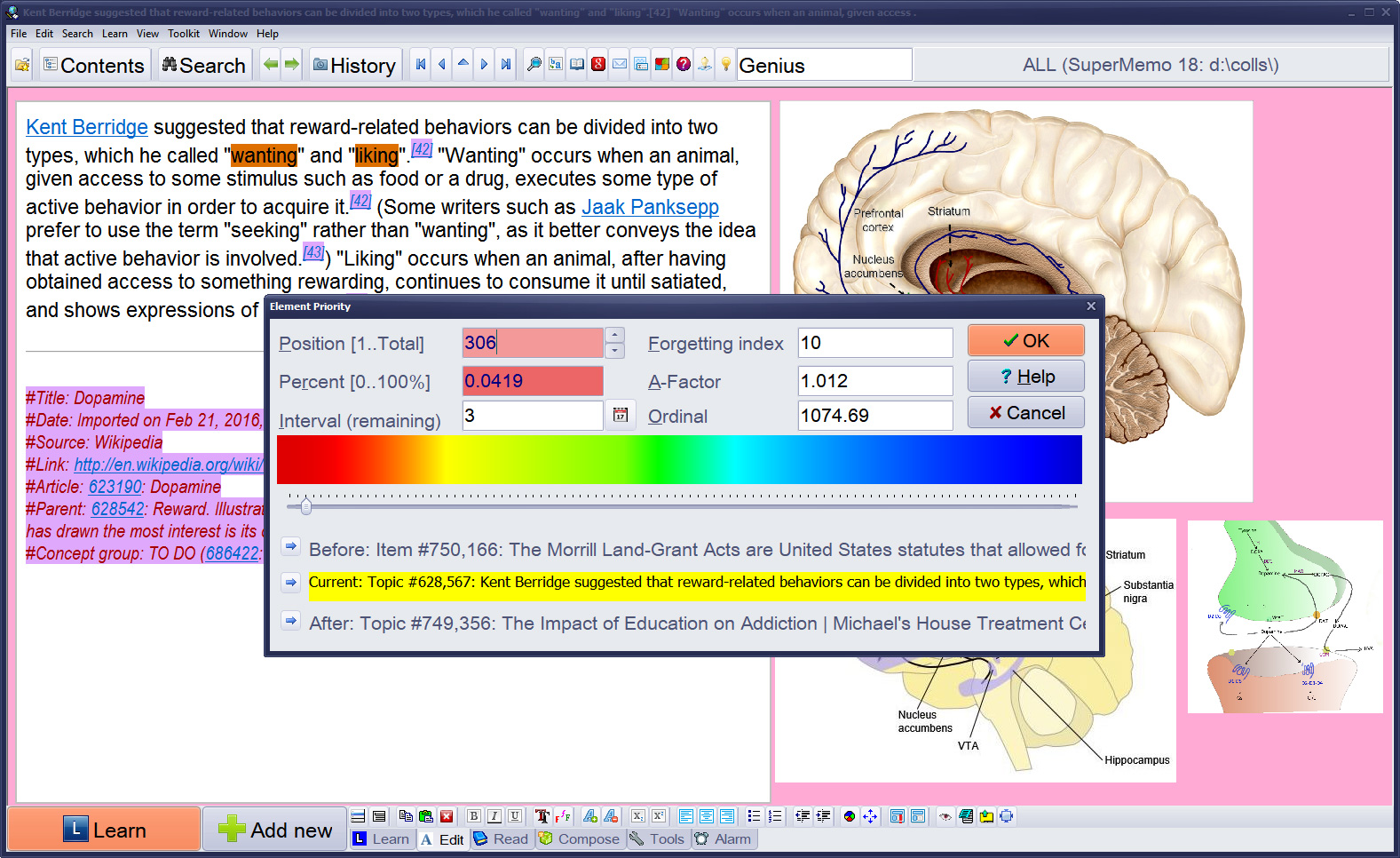
Figure: Element priority dialog box which you can use to set or change the priority of an element in SuperMemo. Position is the position in the priority queue. Percent is the priority (0% means maximum priority). Colors reflect the priority: red - highest, blue - lowest. Before and After show the elements placed before and after the current element in the priority queue.
File usage
The following 3 pages use this file: