File : Email response2.jpg
Size of this preview: 800 × 422 pixels. Other resolution: 1,255 × 662 pixels.
Original file (1,255 × 662 pixels, file size: 154 KB, MIME type: image/jpeg)
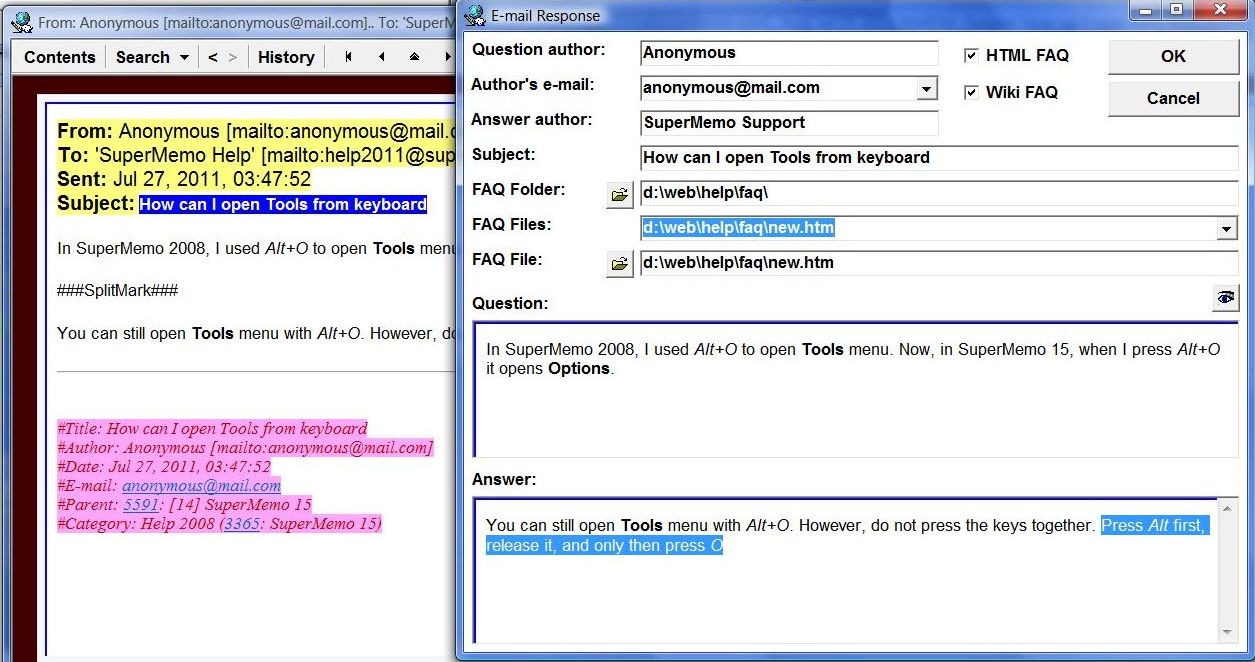
You can edit your FAQs in the HTML component. Use Reading : Split : Insert splitmark on the component menu to separate question from answer with a splitmark. Once the FAQ is largely complete, select both the question and the answer, and select Reading : E-mail FAQ from the component menu to polish its HTML, preview it in the WYSIWYG mode, and send it. The FAQ will be sent as a reply, and stored in FAQ files (as HTML and/or Wiki)(in the picture: The E-mail response dialog box (available with Reading : E-mail FAQ on the component menu in the WYSIWYG mode).
File usage
The following 3 pages use this file: